
FlapStudioAI
Exclusive access for studios and visual creatives

Turn renders, sketches, and references into images and video ready to present.

FlapStudio AI is built for architects, interior designers, visual studios, and creative teams that need to iterate quickly without losing aesthetic control. Generate images, explore variations, work from references, use prompt copilots, and build video sequences with a tool designed for real visual work.

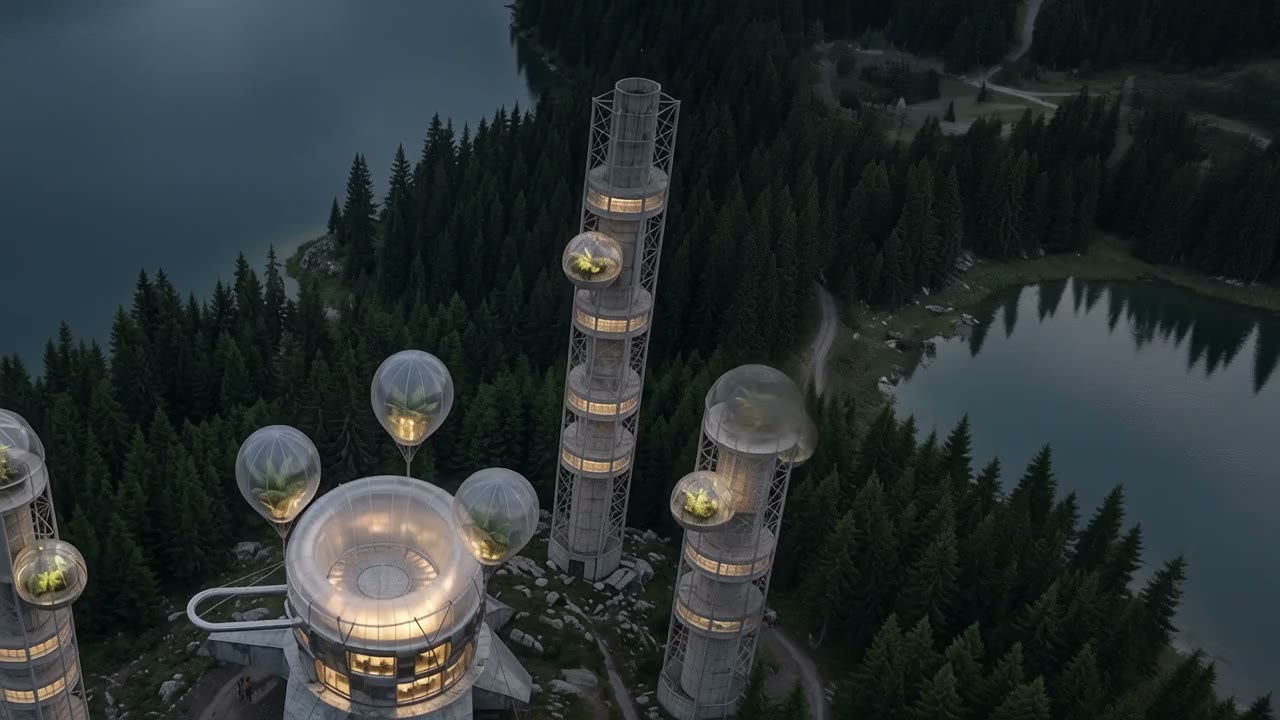
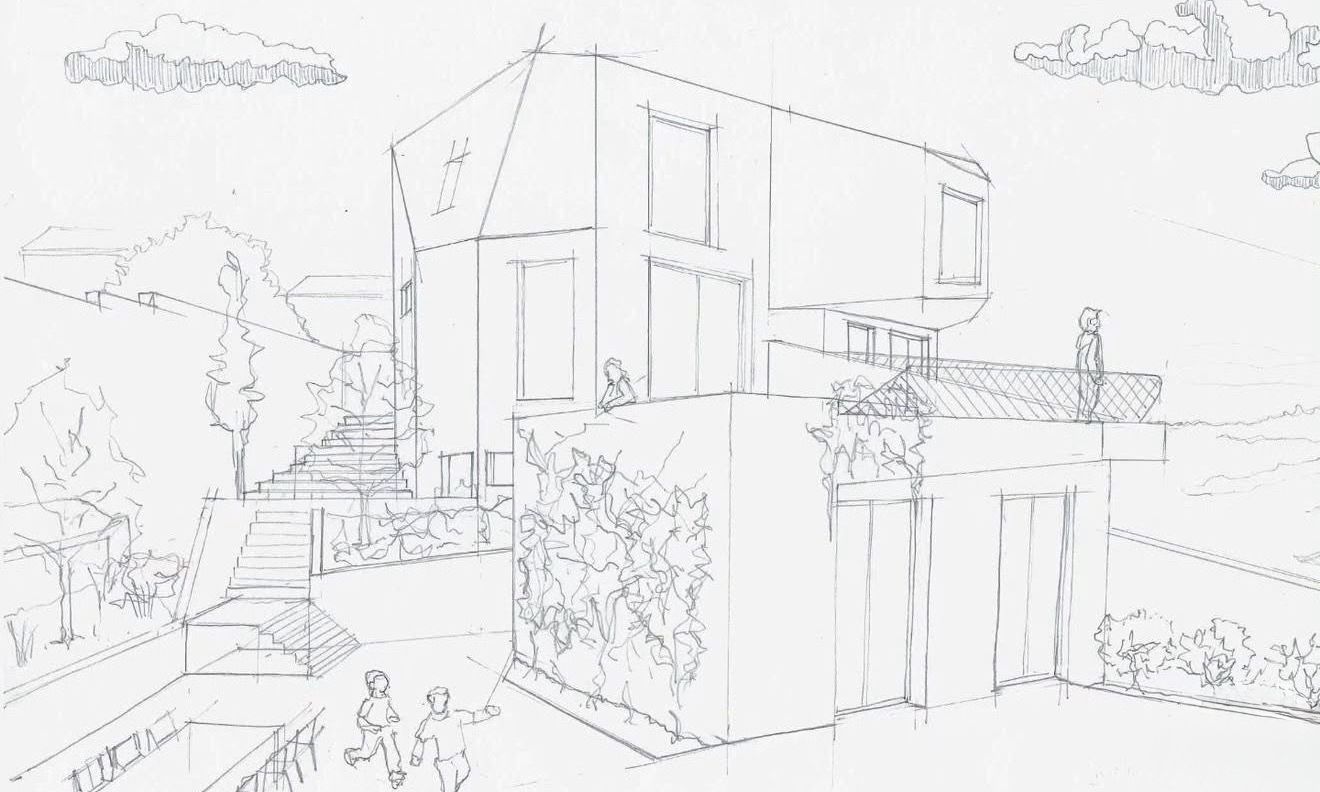
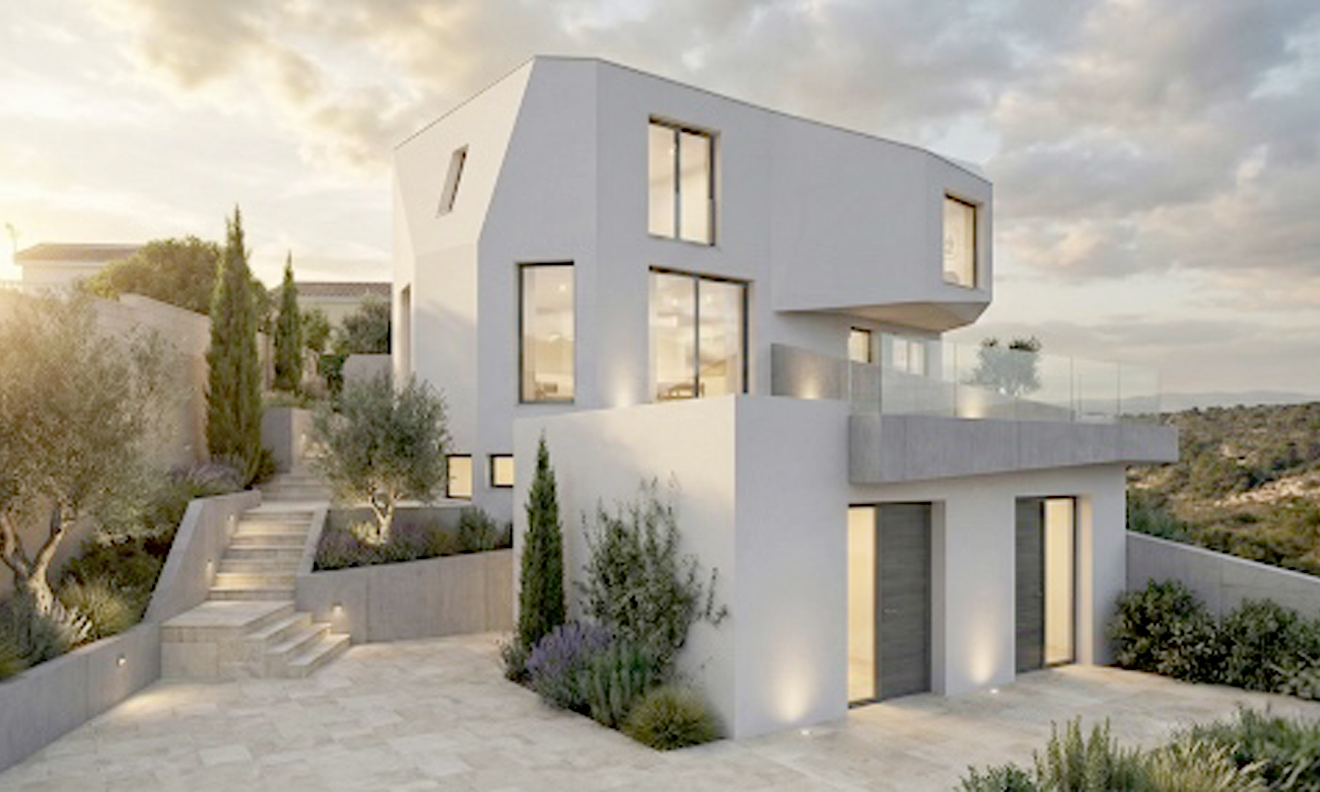
Sketch to image

Sketch to final image

Model to image

3D model to final image

01

Guided generation for visualization

You are not starting from a blank box. FlapStudio helps you build stronger prompts, keep a clear visual direction, and produce imagery that is actually useful for architecture, interiors, and concept work.

02

More control than a generic tool

References, base image, masks, Z-Depth, ID-Map, and the 3D viewer all work in the same direction: helping you iterate with intention instead of throwing random prompts until something appears.

03

From still frame to visual narrative

Once an image works, you can turn it into a sequence and build clips with visual continuity to present atmosphere, movement, or project intent.

Before / After

From a geometric control base to a final visual with atmosphere, materiality, and narrative

This comparison makes the jump between structural control and final result obvious at a glance. It is a clear way to show the value of the tool without a long technical explanation.

On the left you see the geometric control base. On the right, the final image transformed into a warmer, more credible, presentation-ready visual.

Drag the handle to compare.
Inside the studio

An interface designed for visual iteration, not just for firing prompts

The core of FlapStudio AI is the studio: a space where image, video, references, geometric control, and copilots live in the same workflow. The goal is not to split tools apart, but to help you reach a stronger visual direction faster.

  • Image generation with references, masks, and base image.
  • 3D viewer and ID-Map to push structural control further.
  • Prompt copilots aimed at more professional outcomes.
  • Video sequences to turn a still image into a visual narrative.
Real FlapStudio AI studio view

Image

Base + references + prompt + visual controlOne flow to explore, correct, and decide.

Tools

Copilots, Z-Depth, ID-Map, video, and visual continuityWorking layers that help refine without breaking the flow.
Built for visual teams

A tool made to produce, not just to test prompts

FlapStudio AI is designed to accelerate visual exploration, reduce back-and-forth in early phases, and help you reach images and clips that are worth showing to clients, studios, or teams sooner.

Ideal for

  • Architecture studios that want to iterate faster.
  • Interior designers who need to explore atmosphere and materials.
  • Visual artists working with references and aesthetic direction.
  • Teams that want to move from image to video without leaving the same flow.

Current status

  • Private invite-only access while we refine the launch.
  • The platform is already being used by real users.
  • The commercial and subscription experience is still being finalized.
  • Public opening will come when the product and payment flow are ready.
How it works

A workflow designed to get to presentable results faster

FlapStudio AI is not built to generate for the sake of generating. The idea is to help you move from visual intent to an image or clip that is genuinely useful for decisions, presentations, and iteration.

Step 1

Define the base

Start from an image, a sketch, a 3D framing, or a written idea. You can also add references to keep visual direction clearer from the beginning.

Step 2

Refine with intention

Use copilots, variations, masks, and visual control to adjust materials, atmosphere, camera, and narrative presence without losing the character of the proposal.

Step 3

Turn it into presentation material

Once an image works, you can push it toward a video sequence or keep iterating until you have a strong visual base for client work, competitions, or internal development.

Use cases

Where FlapStudio AI brings the most value

Not every studio needs the same thing. That is why the tool is designed for different moments in the visual process, from early exploration to pieces with stronger narrative intent.

Residential architecture

Explore façades, atmosphere, landscaping, and material variations starting from an existing base or a scene built from scratch.

Interior design

Adjust atmosphere, lighting, decoration, and material detail with a workflow that lets you refine without restarting from a brand-new prompt every time.

Visual concept for client work

Generate fast images and clips to explain an aesthetic direction, spatial narrative, or overall feeling before moving into heavier production.

Results

Images built to show, decide, and iterate

It is not just about generating a pretty image. The goal is to reach material that helps validate direction, present atmosphere, or speed up conversations with clients and teams.

Interior result generated with FlapStudio AI
Final image

From geometric control to a scene with atmosphere and materiality

The same project can move from a technical base to a presentation-ready visual without losing structure, intent, or spatial readability.

Interior ID-Map used as geometric base in FlapStudio AI
Real workflow

Interior ID-Map and final image inside the same visual flow

This makes the value of the workflow much clearer: the geometric base of the same interior helps preserve structure and depth before pushing it into a warmer, more presentable final image.

Workflow

Image, refinement, and visual continuity

The value is not in generating once. It is in being able to correct, push further, and turn a good image into a solid base for later iterations or even video.

Video

When an image already works, it can become sequence and presentation

The video side helps take an approved visual direction into short clips with motion, atmosphere, and aesthetic continuity without leaving the same workflow.

Clip 01

From an approved image to a clip that is ready to show

Useful for presenting atmosphere, movement, or visual intent without breaking the aesthetic direction you already built in image.

Clip 02

The same tool lets you move from still frame to visual narrative

The value is not only animation, but being able to produce pieces with visual continuity for internal review, client work, or portfolio.

Frequently asked questions

What matters, without the fluff

If you are considering trying FlapStudio AI in your workflow, these are the questions that make the most sense to answer before jumping in.

Who is it for?

For professionals and teams working with architectural imagery, interior design, visual direction, and concept development. The tool is designed to produce useful material, not to play with prompts without criteria.

Can I use base images and references?

Yes. FlapStudio AI is specifically designed for that: building variations from a base image, leaning on references, and maintaining a more consistent aesthetic direction.

Does it also work for video?

Yes. You can generate clips and explore visual continuity from an image or base idea, which is especially useful for atmosphere, walkthroughs, and concept presentation.

Plans & Pricing

Choose the plan that fits your workflow.

All paid plans share the same premium image engine. What changes is your monthly credit volume and the video tier included in each plan.

Basic19,99 €/mes

200 créditos al mes con imagen premium y vídeo Fast.

Pro49,99 €/mes

600 créditos al mes con imagen premium y vídeo Premium.

Ultra99,99 €/mes

1.200 créditos al mes para equipos con mayor volumen visual.

Explore plans

* Un solo saldo de créditos para imagen y vídeo · Imagen premium desde 4 créditos · Vídeo Fast: 25 créditos/clip · Vídeo Premium: 50 créditos/clip

✦ La imagen premium está disponible en todos los planes de pago

Access

A visual tool for working with more intent and less friction.

The real version is already being used by testers. If you want to see FlapStudio AI running on the stable app, right now that is the correct entry point.

FlapStudio AI